AI Training for Employees: An HR Playbook for Rolling It Out Company-Wide
Devdiscourses Online · September 24, 2026
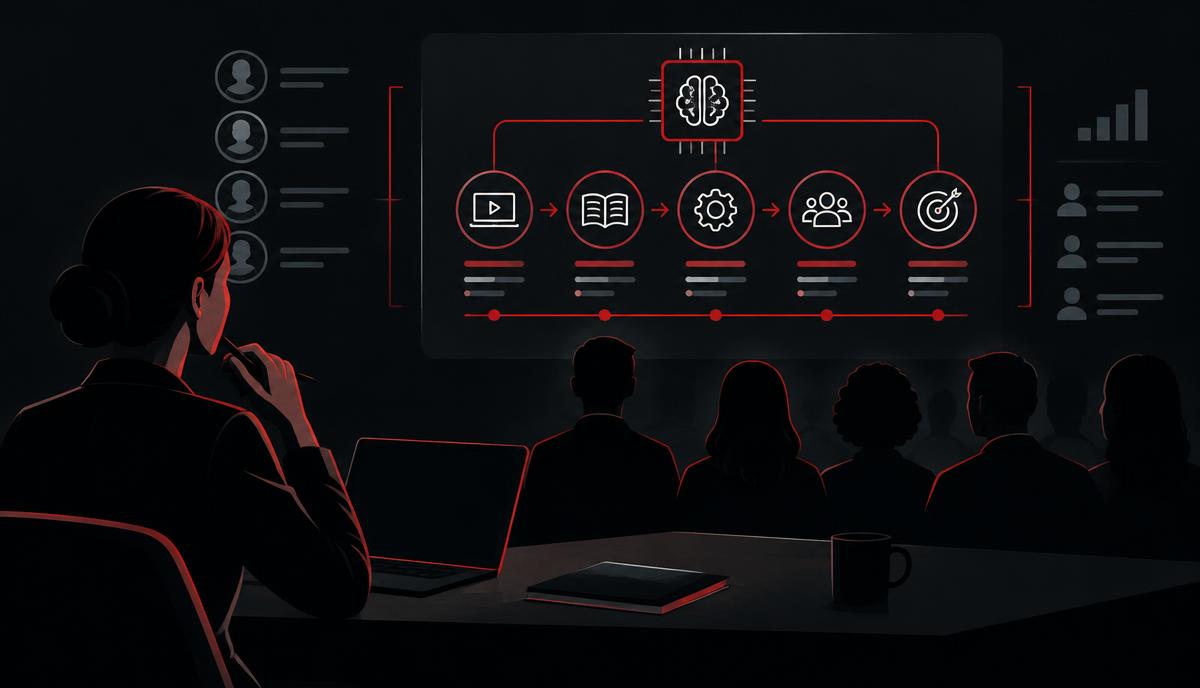
A step-by-step plan HR teams can use to choose, launch and measure AI training for employees, without wasting budget on courses nobody finishes.
Most employees are already using AI. Far fewer have been taught how to use it well, safely and in line with company policy. That gap is where AI training for employees creates value — and where HR and L&D teams can make a measurable difference. This playbook explains what the research says, how to design a programme and how to roll it out across the company.
The case for AI training: what the evidence shows
- Usage is ahead of training. The Microsoft and LinkedIn 2024 Work Trend Index found that 75% of knowledge workers use generative AI at work, 78% bring their own tools, and only 39% of users had received AI training from their employer.
- Trained use improves output. In a randomised experiment published in *Science*, professionals using ChatGPT finished writing tasks about 40% faster with roughly 18% higher quality.
- The biggest gains go to less experienced staff. A field study of more than 5,000 support agents (Brynjolfsson, Li and Raymond, NBER) measured a 14% average productivity increase and around 34% for novice workers.
- Untrained use carries risk. The Harvard Business School and BCG jagged frontier study showed that on a task outside AI's capabilities, consultants using AI were about 19 percentage points less likely to get the right answer. Training teaches people when to trust AI and when to check.
- Adoption at company level is broad. McKinsey's State of AI surveys report that a majority of organisations now use generative AI regularly in at least one business function.
There is also a compliance driver. Since 2 February 2025, Article 4 of the EU AI Act requires providers and deployers of AI systems to ensure a sufficient level of AI literacy among staff who use them.
Step 1: Define goals and policy first
Training without a policy teaches people to use tools they may not be allowed to use. Before launching:
- Choose approved tools and document what data may be entered into each.
- Write a short acceptable-use policy covering confidential data, personal data, verification and disclosure. Our SAFE framework is a good starting point.
- Set business goals — for example, reduce time spent on reporting by 20% or cut first-draft time for proposals in half.
Step 2: Segment your audience
One course for everyone rarely works. Group employees by what they need:
| Group | Main need | Training focus |
|---|---|---|
| All employees | Safe, basic use | AI literacy, policy, prompting basics |
| Knowledge workers | Productivity | Prompting frameworks, role-specific workflows |
| Managers | Leading adoption | Use cases, measuring impact, coaching teams |
| Specialists (HR, legal, finance) | Risk-aware use | Compliance, high-risk use cases, data protection |
| Champions | Internal support | Advanced workflows, automation, peer coaching |
For the baseline layer, see our guide to AI literacy training.
Step 3: Design the curriculum
A strong employee programme usually has six building blocks:
- How AI works — what large language models do, and why they hallucinate.
- Prompting — structured frameworks such as CRAFT. See prompt engineering frameworks.
- Verification — checking facts, numbers and sources.
- Safe data handling — what never goes into an AI tool. See is ChatGPT safe at work.
- Role workflows — practical tasks from each person's job. See how to use AI at work.
- Automation — chaining steps and using agents where appropriate. See AI agents for work.
Keep modules short (20–40 minutes), practical and followed by a test. Our programme uses 10-question tests with an 80% pass mark, and the next module unlocks only after the previous one is passed — this keeps completion honest.
Step 4: Roll out in phases
Phase 1 — Pilot (weeks 1–3)
Pick one or two teams with clear use cases and a motivated manager. Collect baseline metrics before training starts.
Phase 2 — Champions (weeks 3–6)
Train 1 champion per 10–20 employees. Champions answer questions, share prompts and collect feedback.
Phase 3 — Company-wide (weeks 6–12)
Open training to everyone, with a clear deadline. Use reminders and progress dashboards so managers can see who has started, who is stuck and who has finished.
Phase 4 — Reinforce (ongoing)
Share prompt libraries, run short monthly sessions on new use cases and update policy as tools change.
Step 5: Measure impact
| Metric | How to measure |
|---|---|
| Completion | Share of seats that passed all modules |
| Adoption | Weekly active users of approved tools |
| Time saved | Before/after time on 3–5 recurring tasks |
| Quality | Manager ratings, revision counts |
| Risk | Policy acknowledgements, data incidents |
| Sentiment | Short pulse survey on confidence with AI |
Translate time saved into money for leadership. For example, 100 employees saving 2 hours a week at a loaded cost of $50/hour equals about $500,000 a year. Try the calculator on our HR page and read the full method in the ROI of AI training.
Common mistakes to avoid
- Tool-only training. Teaching one product's buttons instead of transferable skills.
- No policy. Leaving employees unsure what is allowed, which pushes AI use into the shadows.
- One-off sessions. A single webinar rarely changes behaviour; practice and tests do.
- No measurement. Without baselines, you cannot prove value.
- Ignoring managers. Adoption follows managers; if they do not use AI, their teams will not either.
Choosing a training provider
Look for practical, role-based content, real assessments, progress tracking for HR, clear pricing and coverage of safety and compliance. Our team licence gives each employee a seat with the full programme, progress tracking, deadlines and reminders in the HR admin console. HR teams can also take the dedicated AI for HR Professionals course. The first module is free to try.
Frequently asked questions
How long should AI training for employees take? A solid foundation takes 6–10 hours spread over 4–6 weeks, followed by short ongoing refreshers.
Is AI training mandatory? In the EU, organisations deploying AI must ensure sufficient AI literacy under Article 4 of the AI Act. Elsewhere it is not always mandatory, but strongly recommended to manage risk.
Should training be tool-specific? Teach transferable skills first — prompting, verification, data safety — then add short tool-specific guides.
How do we keep employees engaged? Use real tasks from their jobs, short modules, tests with a clear pass mark, visible progress and manager support.
Related reading
Sources
- Microsoft & LinkedIn, 2024 Work Trend Index
- Noy, S. & Zhang, W. (2023). Experimental evidence on the productivity effects of generative AI. Science.
- Brynjolfsson, E., Li, D. & Raymond, L. (2023). Generative AI at Work. NBER.
- Dell'Acqua, F. et al. (2023). Navigating the Jagged Technological Frontier. Harvard Business School.
- McKinsey, The State of AI
- EU AI Act, Article 4: AI literacy