Workflow Automation with AI: How to Pick the First Process to Automate
Devdiscourses Online · September 5, 2026
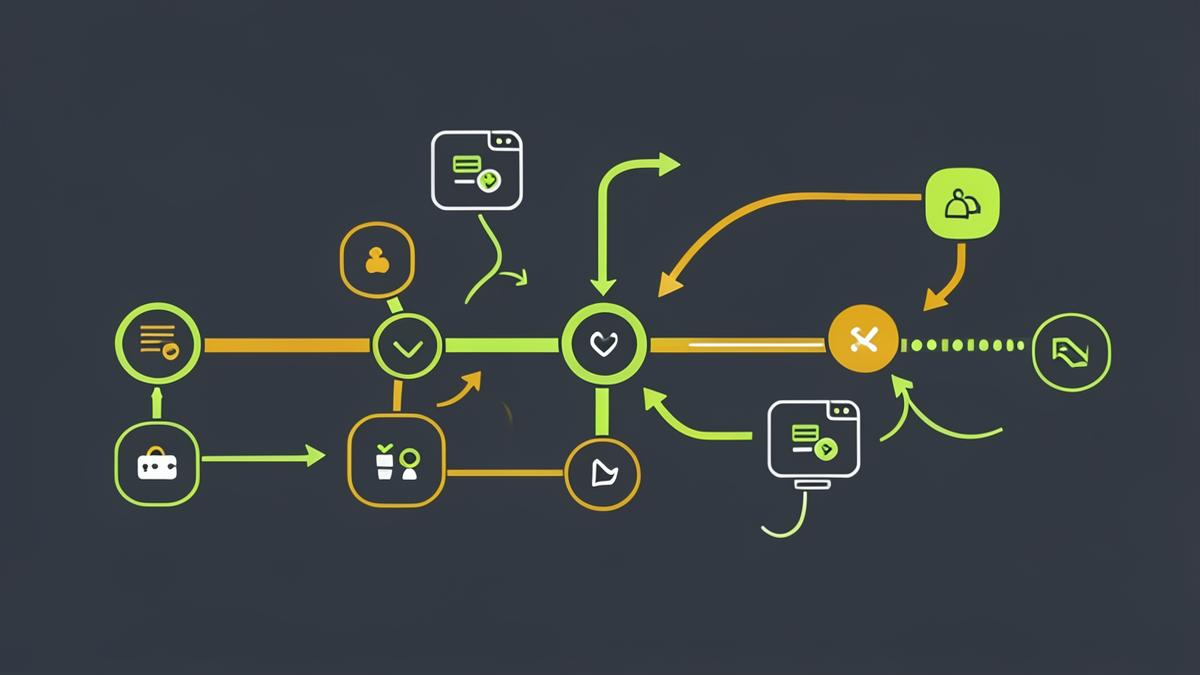
A step-by-step method for choosing, mapping and shipping your first AI automation — including the trigger-action-check pattern and the failure modes that break automations in week three.
Automation is a map before it is a tool.
The most common automation mistake is starting with the platform. Start with one process you already run manually every week.
Choose the right first process
Score candidate processes on four questions:
- Frequency: does it happen at least weekly?
- Rules: can you describe the decision in writing without saying "it depends"?
- Data: is the input already digital and in one place?
- Cost of error: if it goes wrong once, is it annoying rather than dangerous?
A process scoring well on all four — inbound lead triage, meeting notes to CRM, weekly report assembly, support ticket tagging — is a good first target. Anything with a high cost of error stays human until the workflow is proven.
The trigger-action-check pattern
Every reliable automation has three parts:
- Trigger — the event that starts it: a form submission, a new file, a schedule, an inbound email.
- Action — what happens: extract fields, classify, draft a reply, write to a spreadsheet or CRM.
- Check — the human or rule that confirms the output before it has consequences. Approvals, confidence thresholds, or a daily digest of what ran.
Automations that skip the check step are the ones quietly switched off a month later.
Map it before you build it
Write the process as plain sentences: when X happens, take Y from it, produce Z, and notify P. If you cannot write that sentence, the process is not ready. Then note the exceptions — the ones that make people say "except when…" — and decide explicitly whether the automation handles them or routes them to a person.
Where AI fits, and where rules fit
- Use rules for anything deterministic: routing by field value, copying data, scheduling, arithmetic.
- Use AI for the messy middle: classifying free text, extracting fields from unstructured email, summarising, drafting a reply.
- Keep them separate. An automation that hands a model a numeric calculation is one that will eventually be wrong without warning.
The failure modes
- Silent failure. The run breaks and nobody notices for two weeks. Always log runs and alert on errors.
- Scope creep. One workflow grows into a fifteen-step monster nobody can debug. Split it.
- No owner. Every automation needs a named person who reviews it monthly.
- Unmeasured value. Record the manual baseline before you launch, or you will never be able to prove the saving.
A realistic first month
Week one: map the process and record the baseline. Week two: build the trigger and action with the check set to full human approval. Week three: run it in parallel with the manual process. Week four: reduce the check to spot-review and measure the time saved.
Module 6 of the AI POWERED course walks through building an automated workflow end to end, and the capstone turns it into a documented work system.