Titan OS vs Google TV: Which Smart TV Platform Should You Buy?
Devdiscourses Online · September 20, 2026
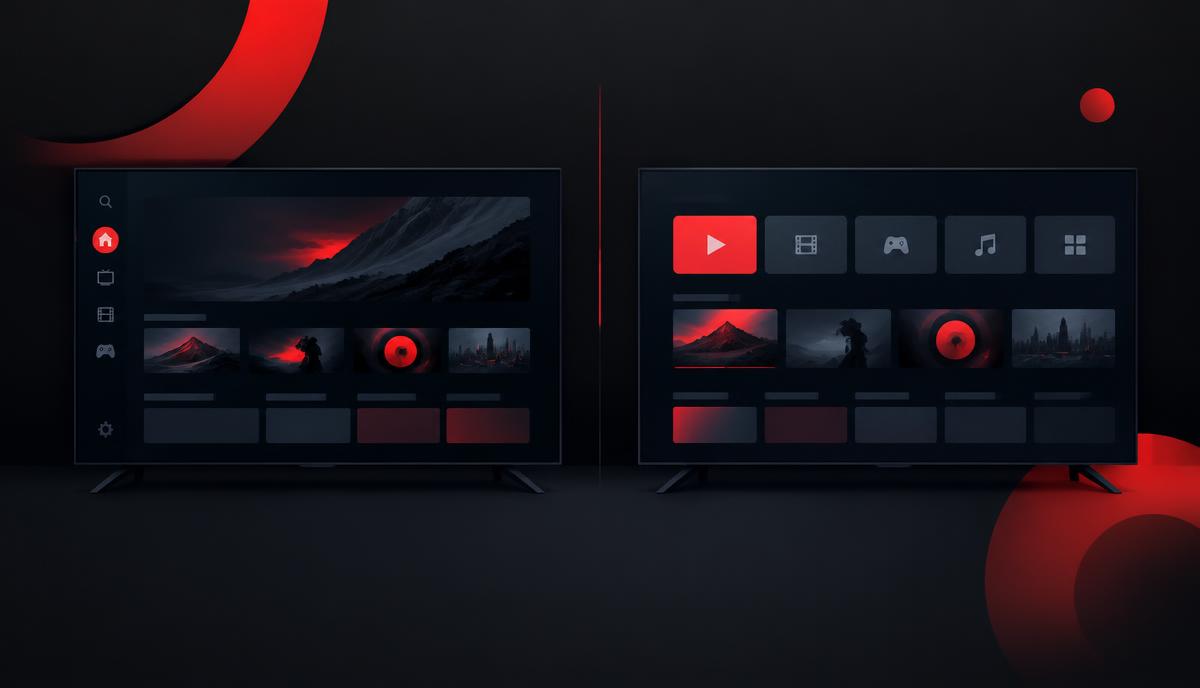
A practical comparison of Titan OS (the Linux platform on many Philips TVs) and Google TV: apps, casting, speed, privacy and who each one suits.
If you are shopping for a TV in 2026, you will run into two very different software platforms: Titan OS, the Linux-based system shipped on many Philips, AOC and JVC sets, and Google TV, the Android-based platform from Google. The hardware often looks identical. The software decides how the TV feels every single day.
This guide compares them on the things that actually matter after the box is open.
The short answer
- Choose Titan OS if you mostly watch free streaming channels and the big apps (Netflix, YouTube, Prime Video, Disney+), want a fast and simple interface, and dislike heavy account integration.
- Choose Google TV if you have a large app catalogue, rely on Google Cast, use Google Assistant, or want the deepest smart-home integration.
Neither one is "better" in the abstract. They optimise for different users.
What Titan OS actually is
Titan OS is a Linux-based smart TV operating system, not an Android fork. It is built around fast boot, a light interface and a curated set of streaming apps plus free ad-supported channels (FAST). Philips uses it across a large part of its 2025-2026 European range, and AOC and JVC ship it too.
For the full background - who builds it, which TVs use it, and what the interface looks like - read What Is Titan OS?.
Apps: curated vs catalogue
Google TV runs the Google Play catalogue for TV. If an app exists on television at all, it is probably there.
Titan OS is curated. The major services are present, but niche apps, small regional services and side-loaded Android apps generally are not. Before you buy, check the specific apps you use every week against the model's app list on the manufacturer's page.
Casting: the biggest practical difference
Google TV includes Google Cast. Sending a video or a browser tab from a phone or laptop works everywhere.
Titan OS does not include Google Cast. Most models support AirPlay or DLNA-style sharing instead, and casting-heavy households notice this immediately. If your daily habit is "hit the cast button on my phone", this alone should decide the purchase.
Speed and simplicity
Titan OS usually wins on responsiveness. It is lighter, boots faster and has fewer background services. Google TV offers more, and on lower-end hardware that shows up as slower menus after a year of updates.
Privacy and account pressure
Google TV expects a Google account and personalises the home screen around it. Titan OS asks for far less and can be used with almost no account setup, though it still shows recommendations and sponsored rows.
Voice and smart home
Google TV has Google Assistant built in, plus tight Nest and Chromecast integration. Titan OS has limited voice capability and relies on the TV maker's own remote features.
A five-question buying checklist
- Do you cast from a phone or laptop several times a week? If yes, Google TV.
- Do you use any niche or regional streaming app? Check the Titan OS app list first.
- Do you want the TV to boot and switch inputs fast? Titan OS.
- Do you already run a Google smart home? Google TV.
- Do you want minimum account setup? Titan OS.
Answering these five honestly is a better guide than any specification sheet.
Frequently asked questions
Is Titan OS Android? No. Titan OS is Linux-based. It does not run Android TV apps and does not use the Google Play Store.
Can I install Google Cast on Titan OS? No. Casting support cannot be added later. If you need it, use an external streaming stick or choose Google TV.
Which is faster, Titan OS or Google TV? On comparable hardware Titan OS is generally faster to boot and lighter to navigate, because it runs a smaller software stack.
Does Titan OS get app updates? Yes, apps and the platform update over the internet, but new apps arrive more slowly than on Google TV because the catalogue is curated.
Which TVs use Titan OS? Mainly Philips models in Europe, plus selected AOC and JVC sets. Check the product page before buying, as ranges change each year.